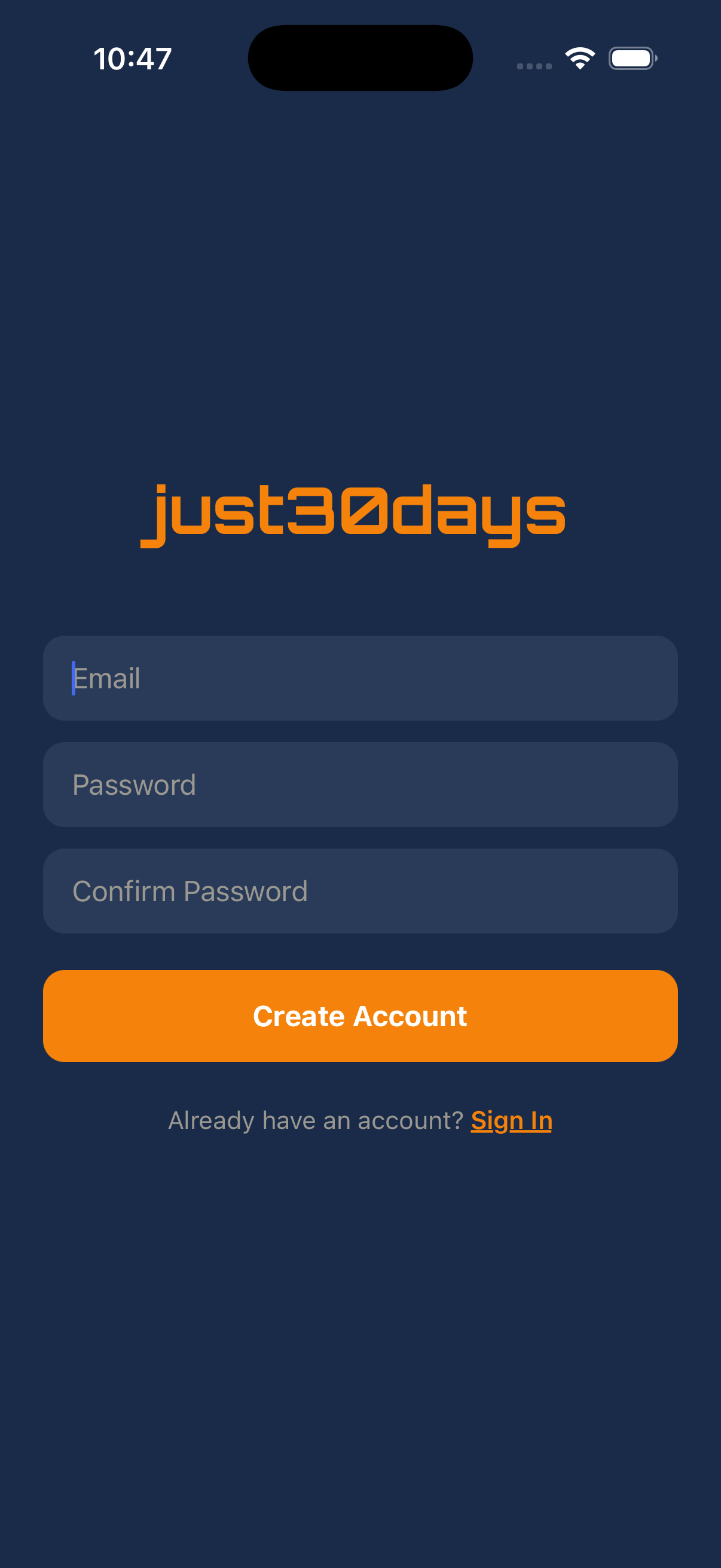
Create your account
Sign up with your email and password. Your progress is automatically synced to the cloud so you never lose your data.
Set up your profile
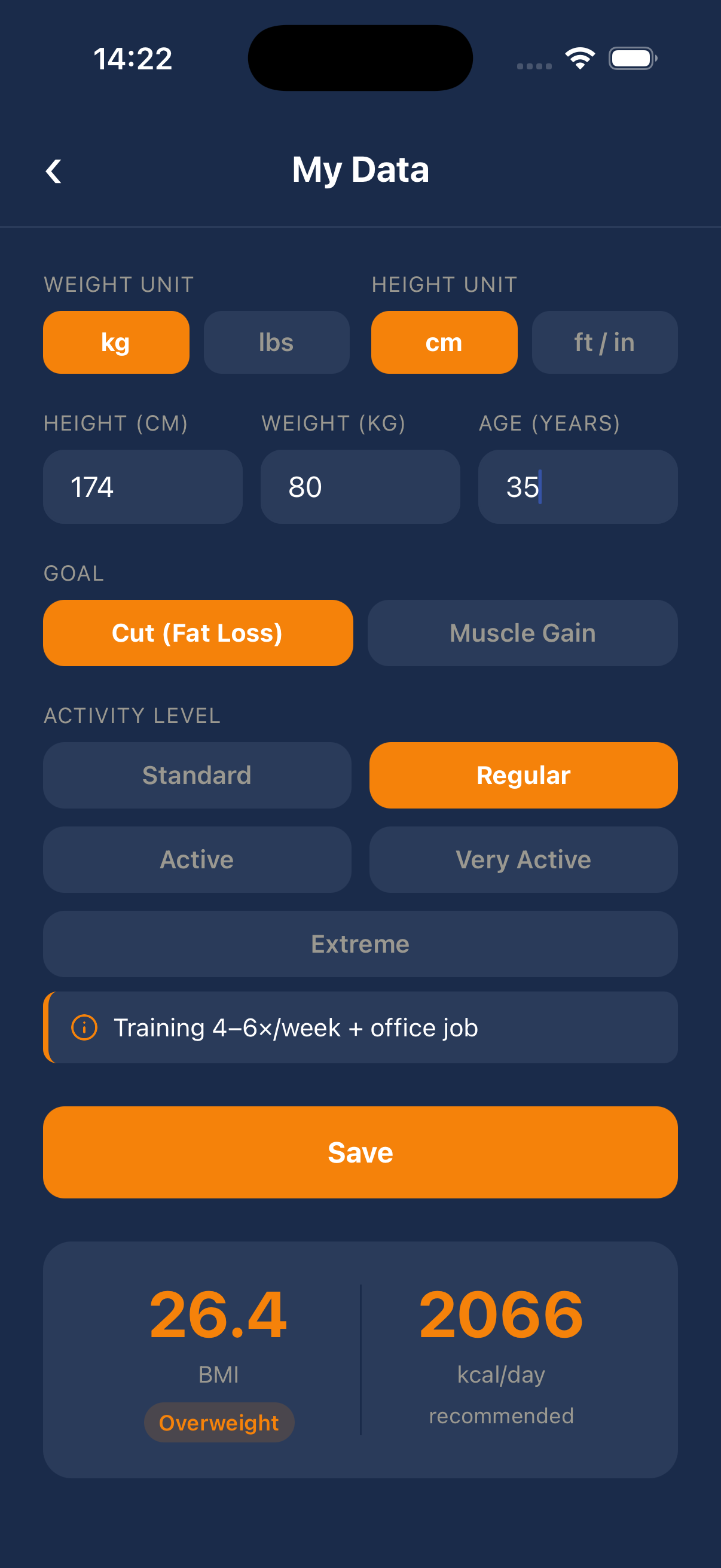
Enter your height, weight, age, goal (fat loss or muscle gain) and activity level. The app calculates your recommended daily calorie intake and BMI automatically.
Choose a training plan
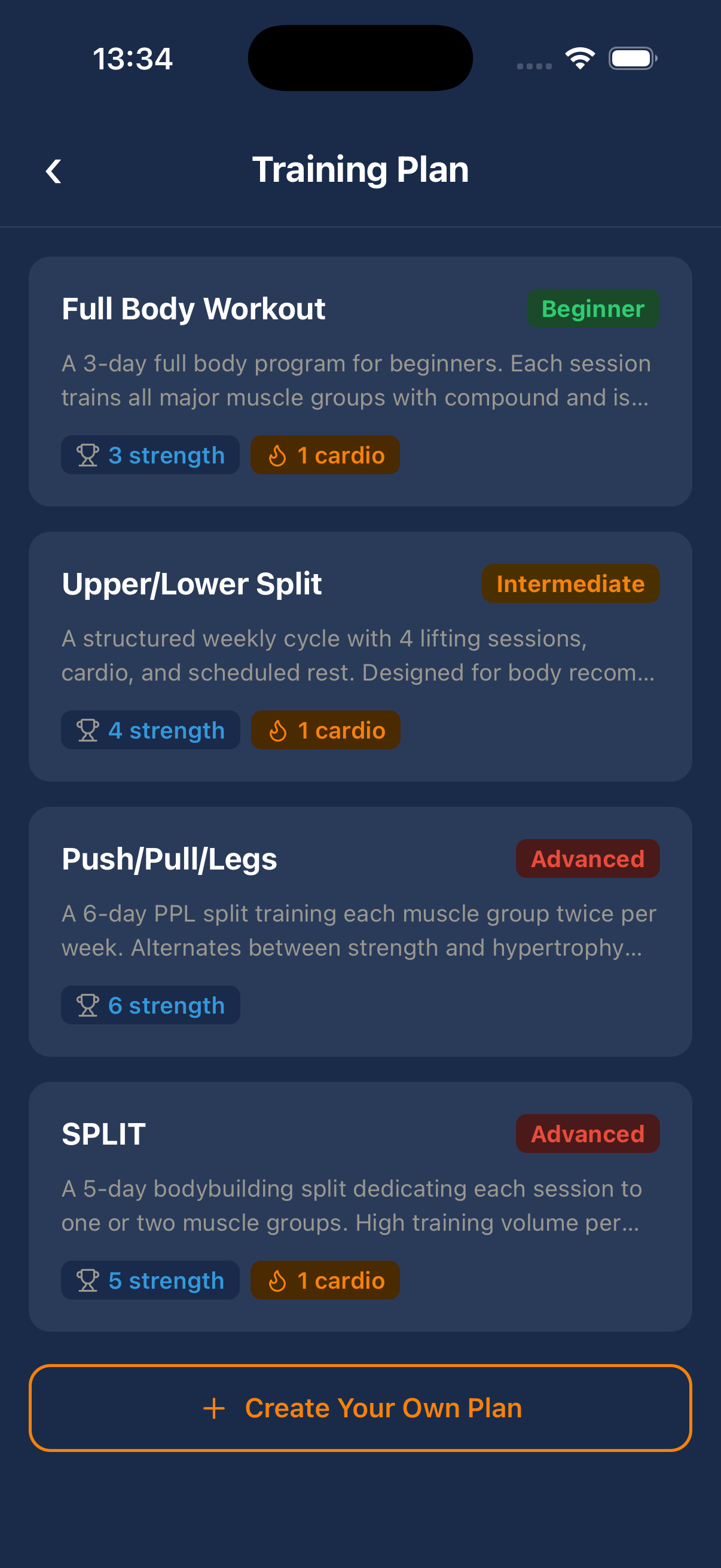
Pick from 4 ready-made plans (Beginner to Advanced) or create your own fully custom 30-day program with any exercises you want.
Build a custom plan (optional)
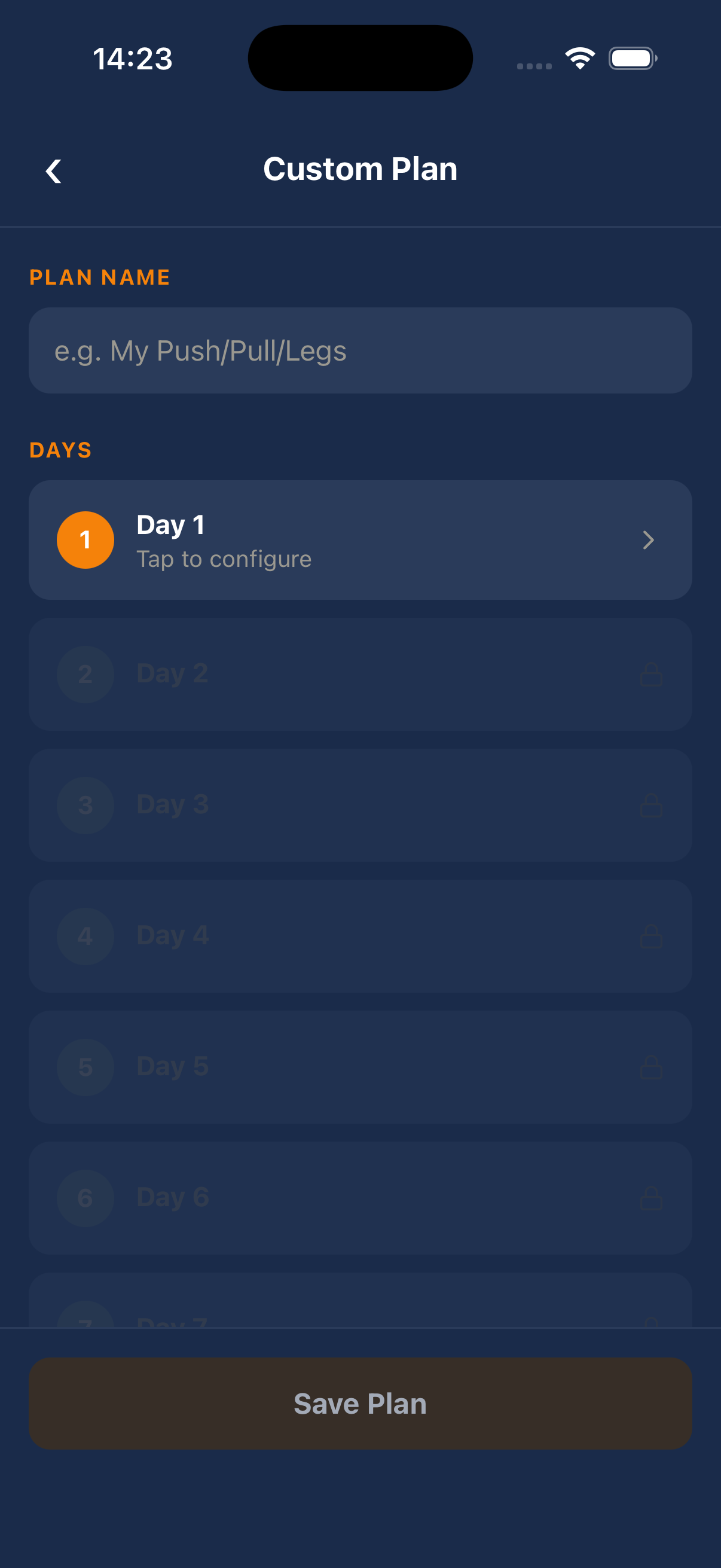
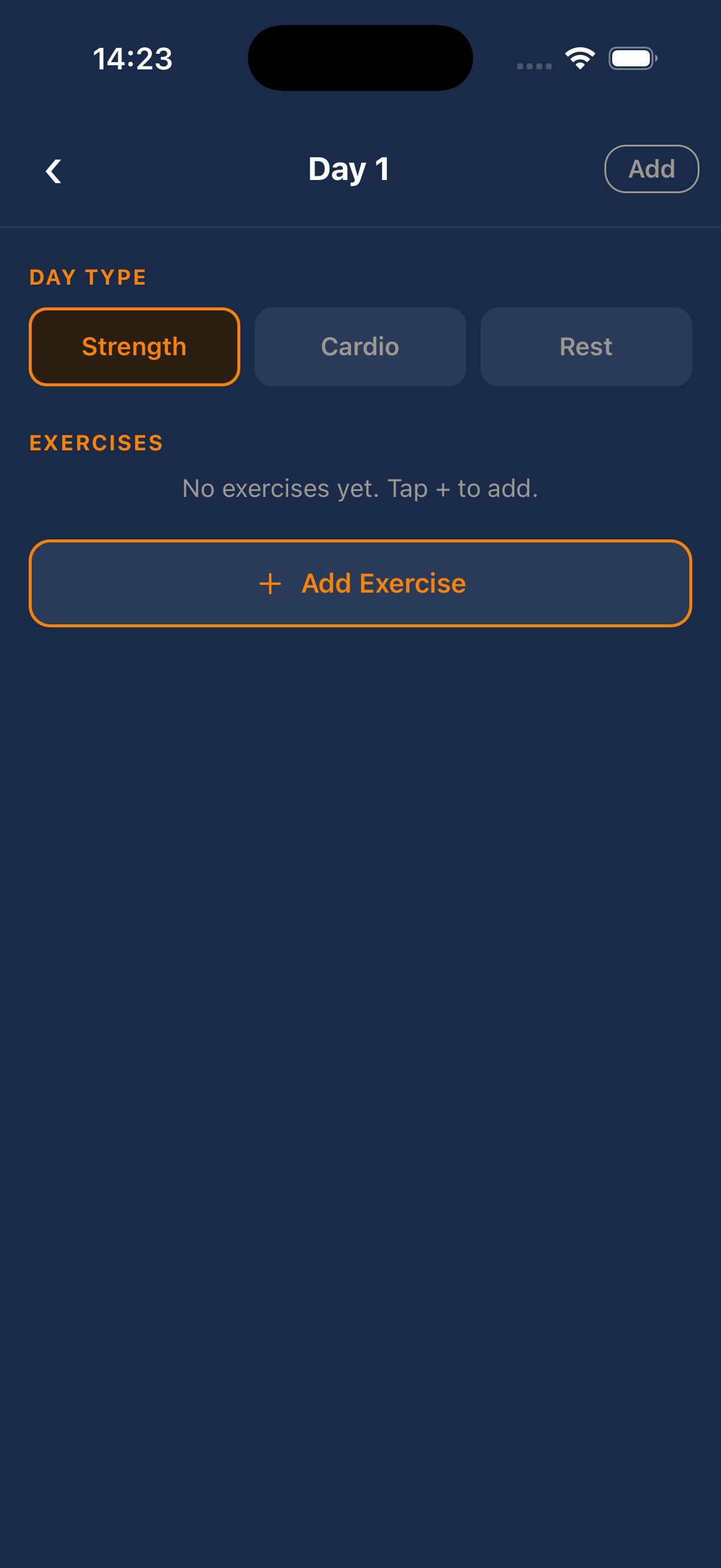
Tap '+ Create Your Own Plan', name your program, then configure each day — choose Strength, Cardio or Rest, add exercises from the 1500+ atlas, and set sets, reps and rest time.
Train day by day
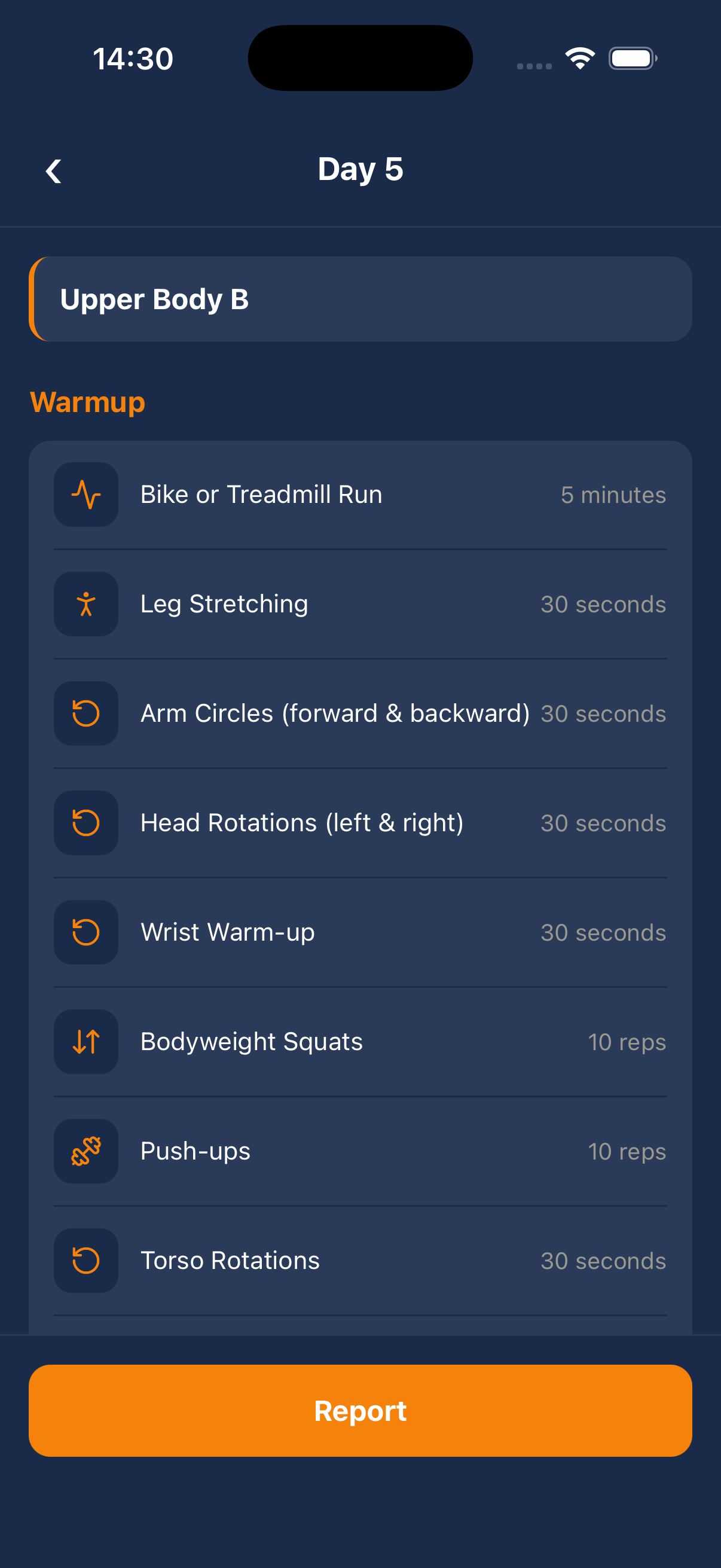
Each day shows your warmup and exercise list. Tap any exercise to log your sets and weights. The app tracks your rest timer automatically between sets.
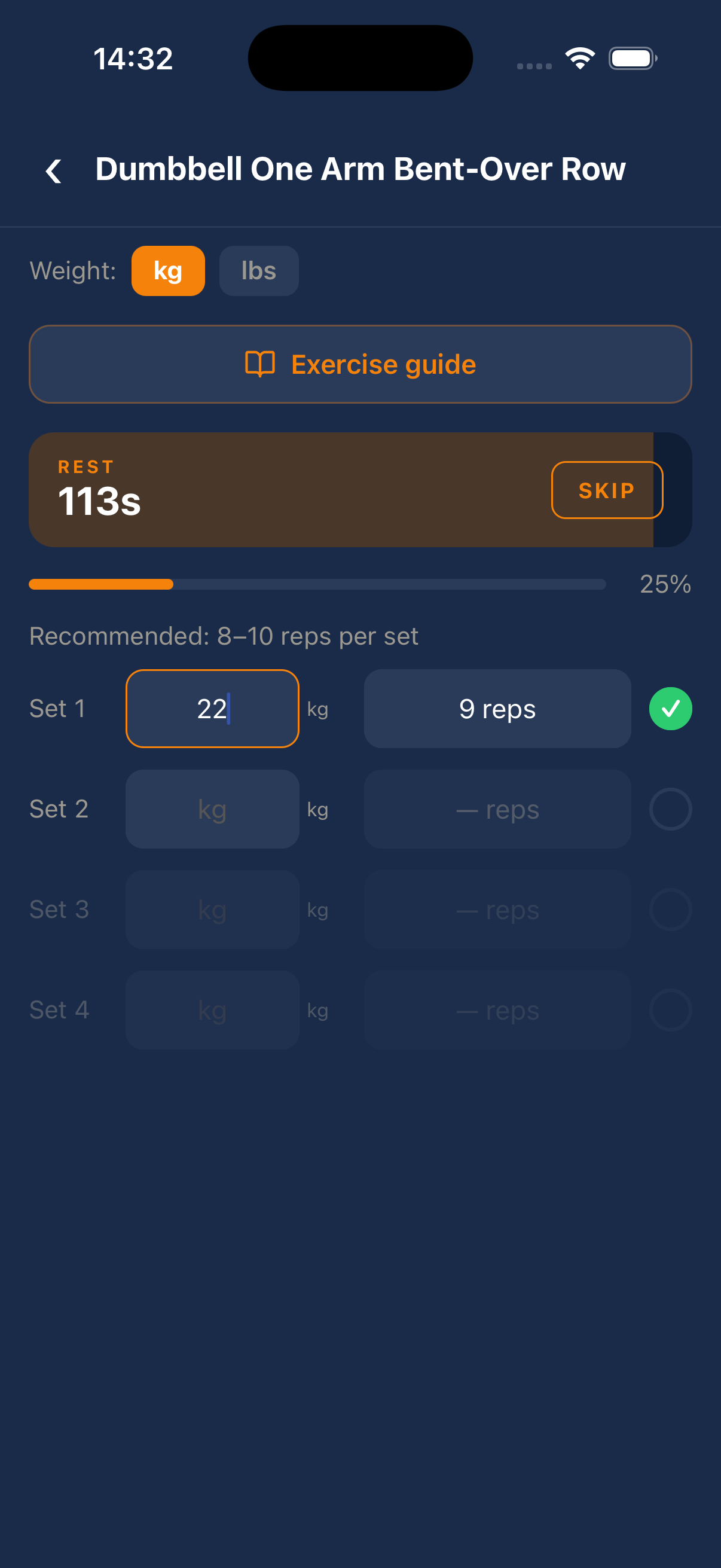
Log your sets
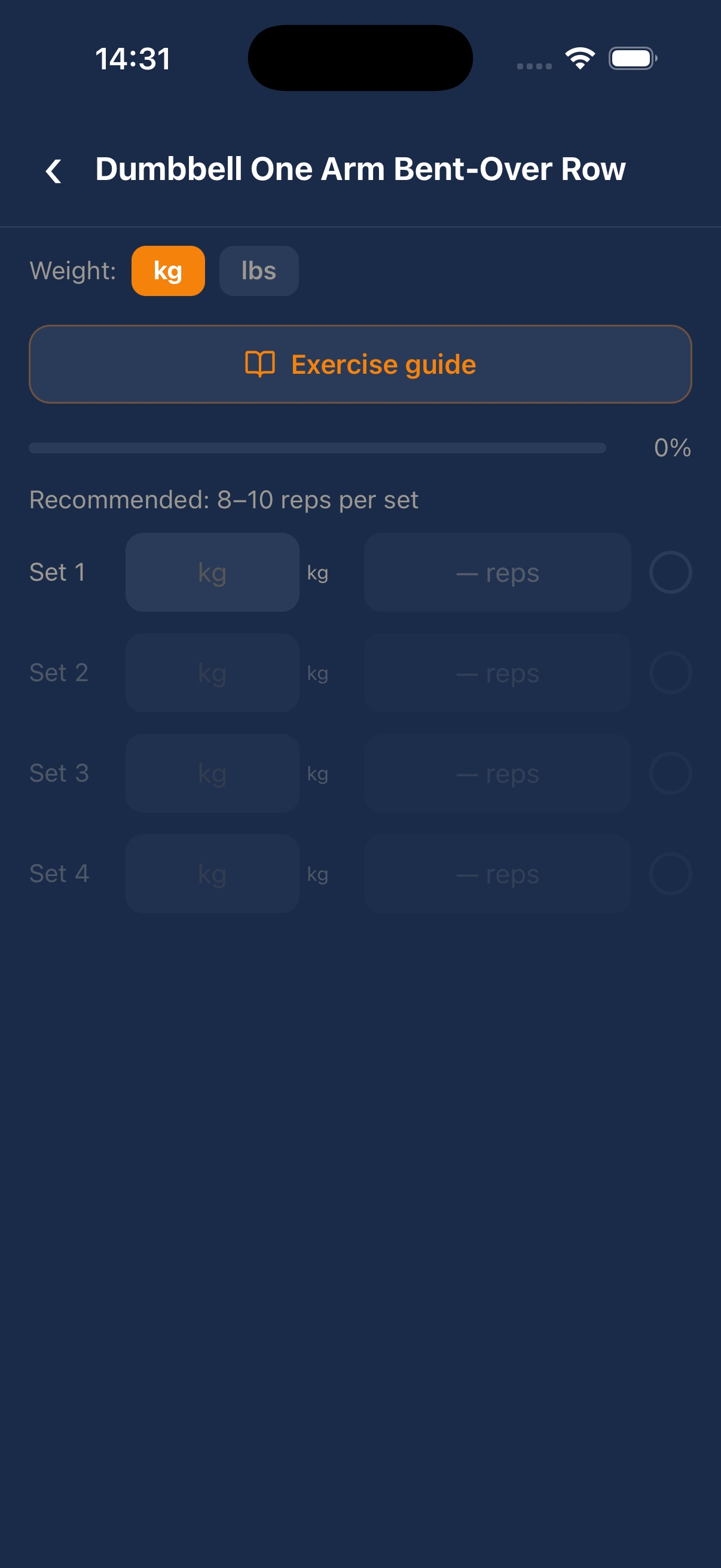
Enter weight and reps for each set. The recommended rep range is highlighted. After completing a set, the rest timer starts automatically.
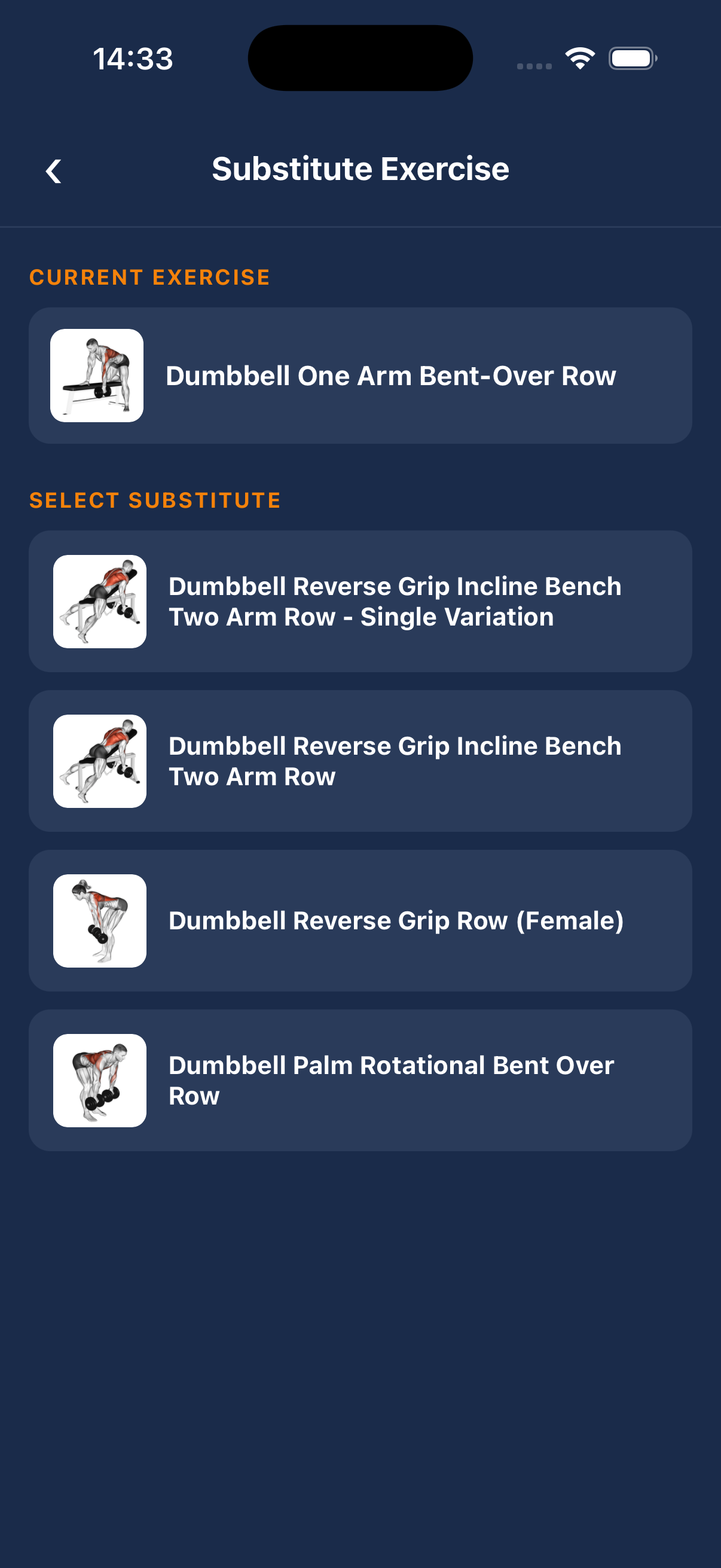
Substitute exercises
Don't have the equipment? Tap the swap icon next to any exercise to replace it with a similar alternative from the same muscle group.
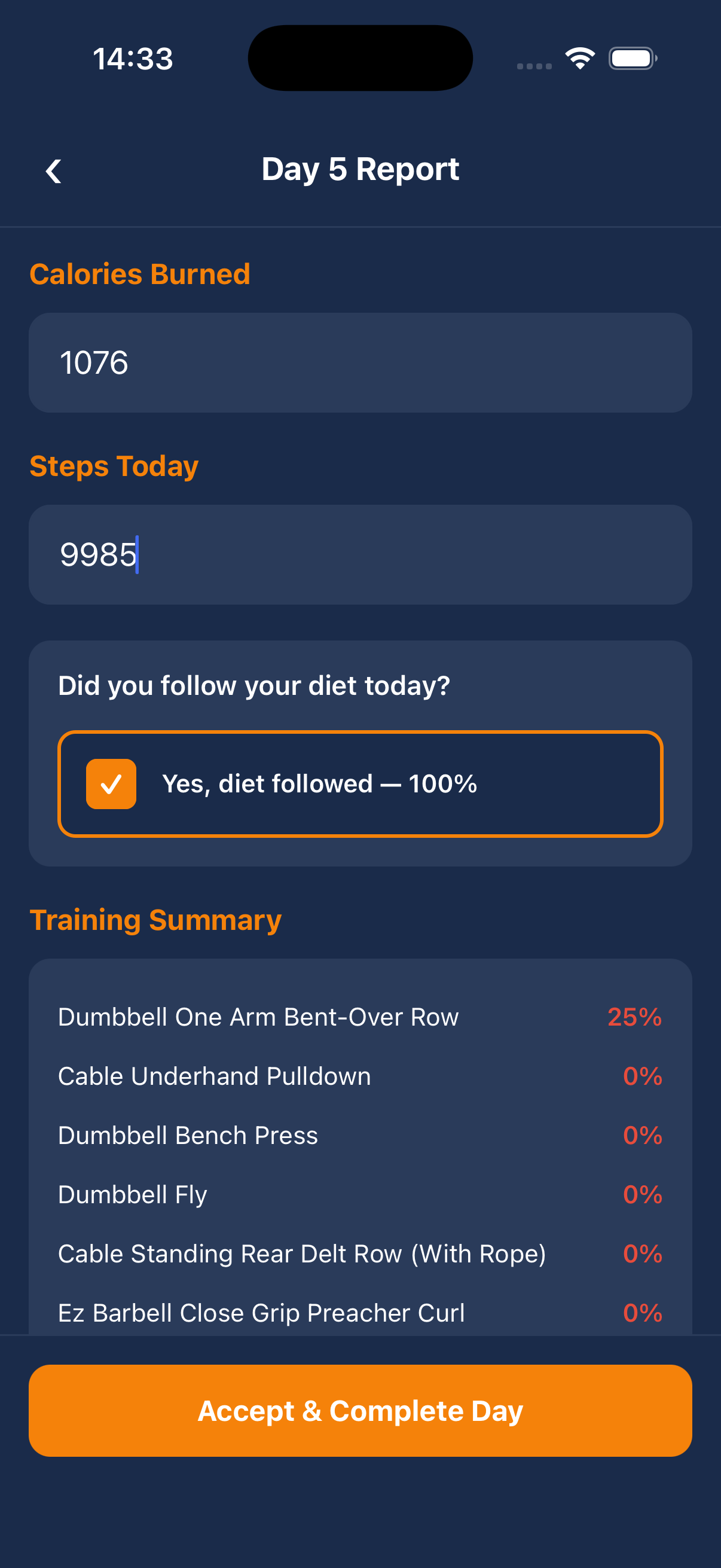
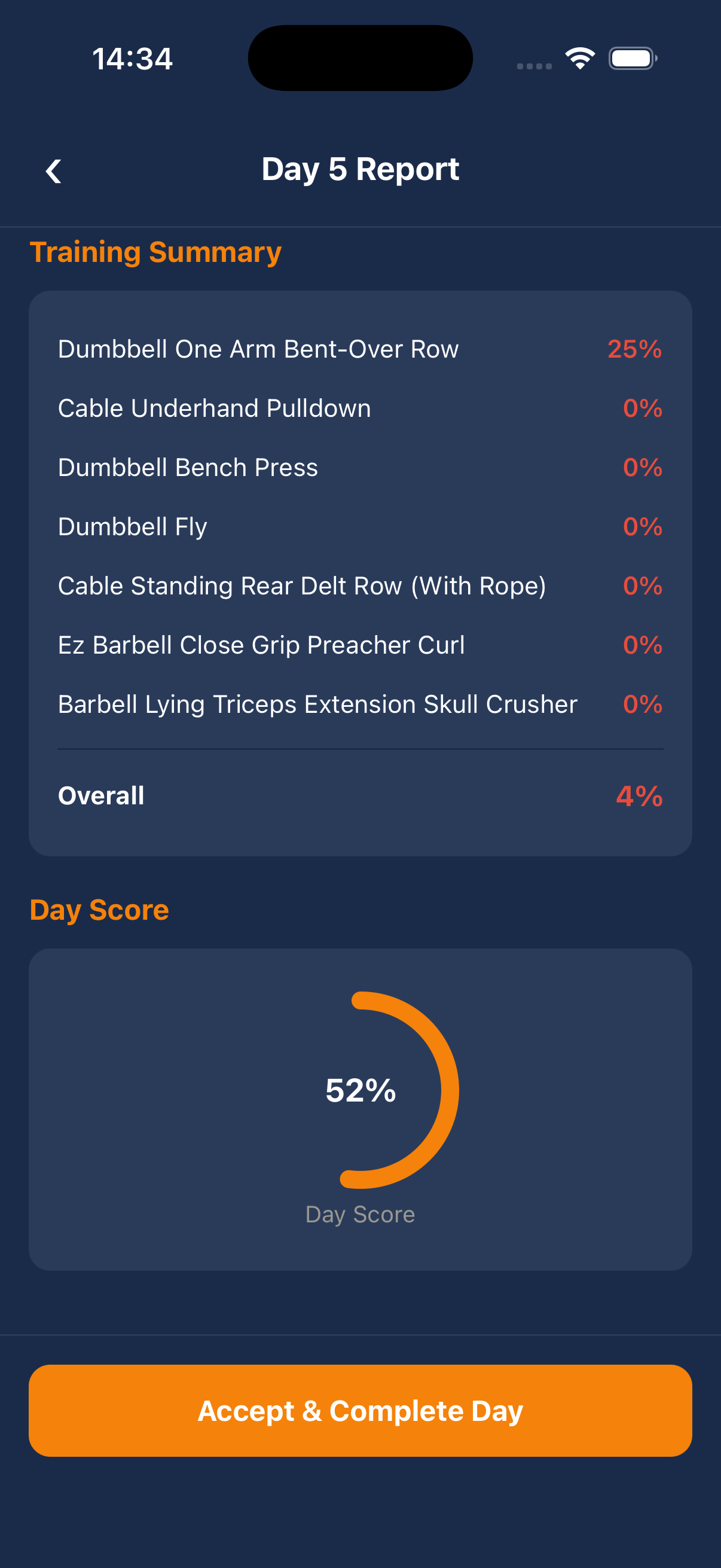
Complete the day
After training, fill in your daily report: calories burned, steps taken, and whether you followed your diet. Submit to mark the day complete.
Track your progress
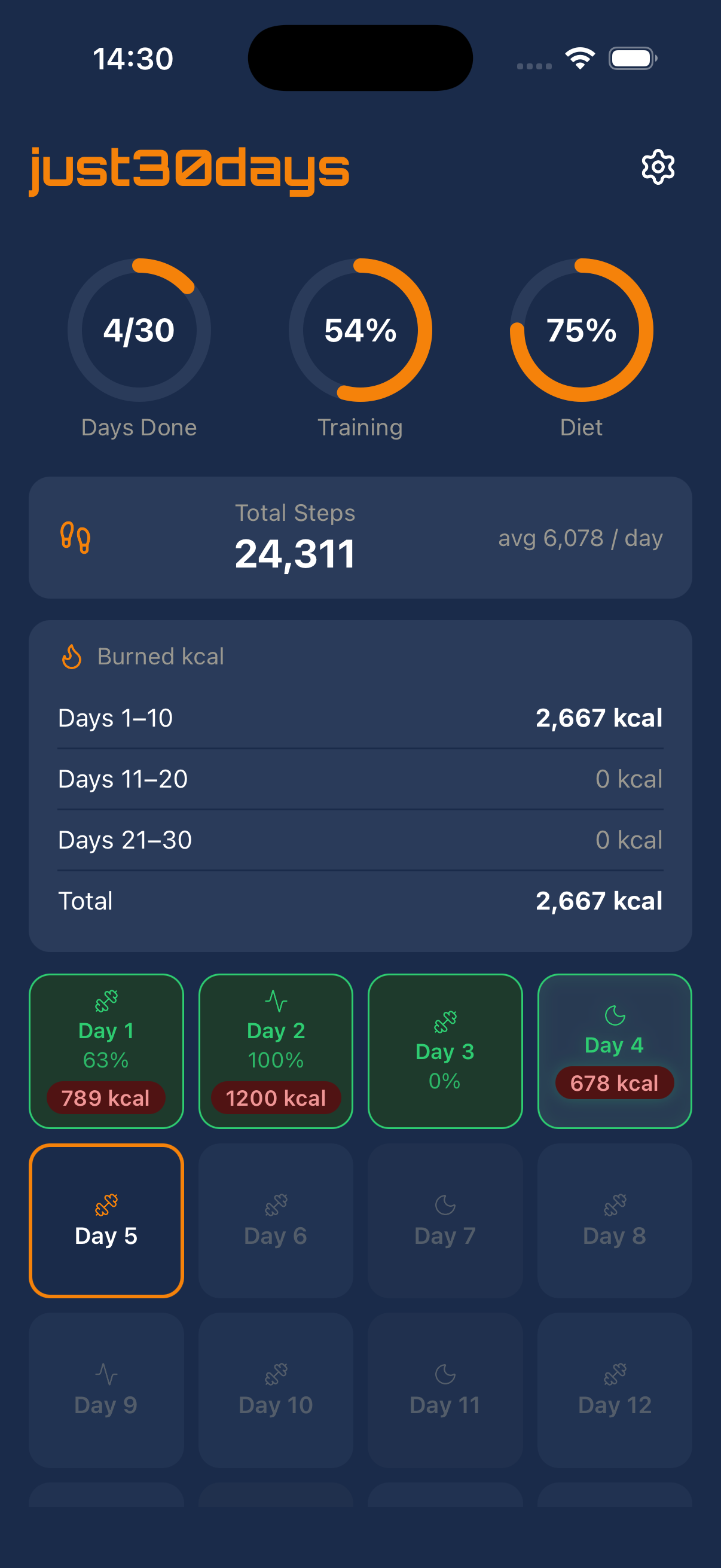
Watch your 30-day grid fill up with completed days. Three progress rings show your overall training and diet compliance at a glance.